
SaveCrystal is a personal tracker for your collection, your backlog, and the hours you actually put in — across every console, handheld, and storefront you play on.

Version 3.0
A place to remember every game, a way to hunt down the ones you're missing, and new ways to keep coming back.
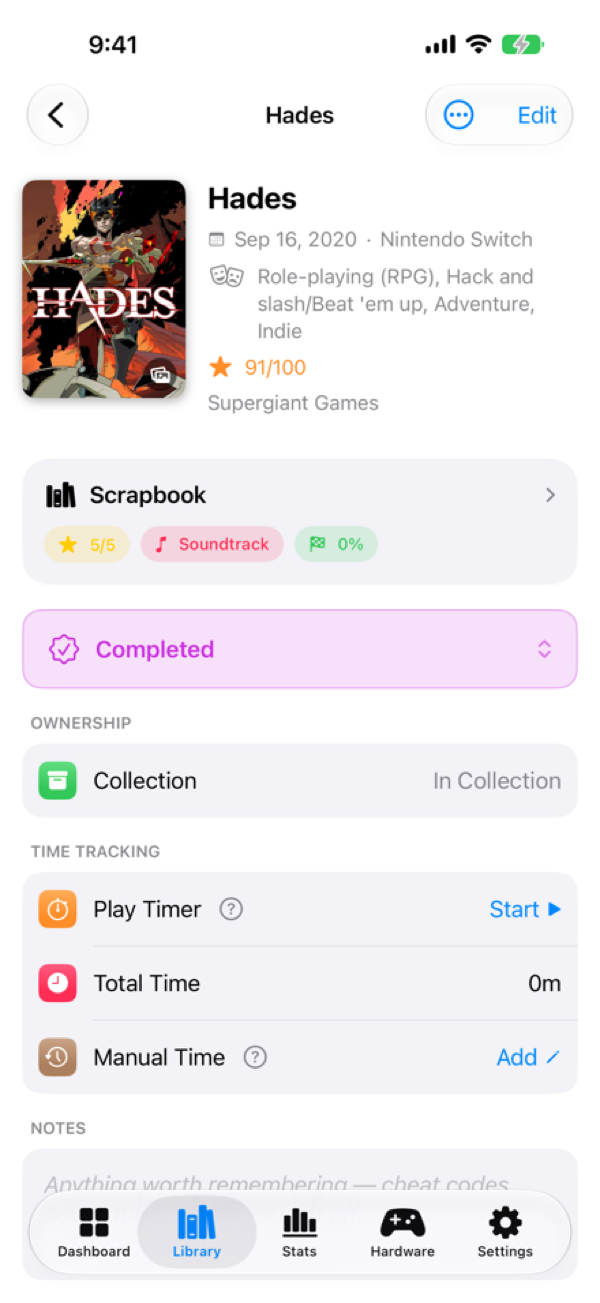
A redesigned, single-scroll detail page with a diary for every game — reviews, star ratings, notes, screenshots and speedruns, all in one place.
Rate what you finish and share a clean, Letterboxd-style review card with the rest of your collection.
Track a game you're after across shops — prices, condition and location on a map — then move it to your library the moment you buy.
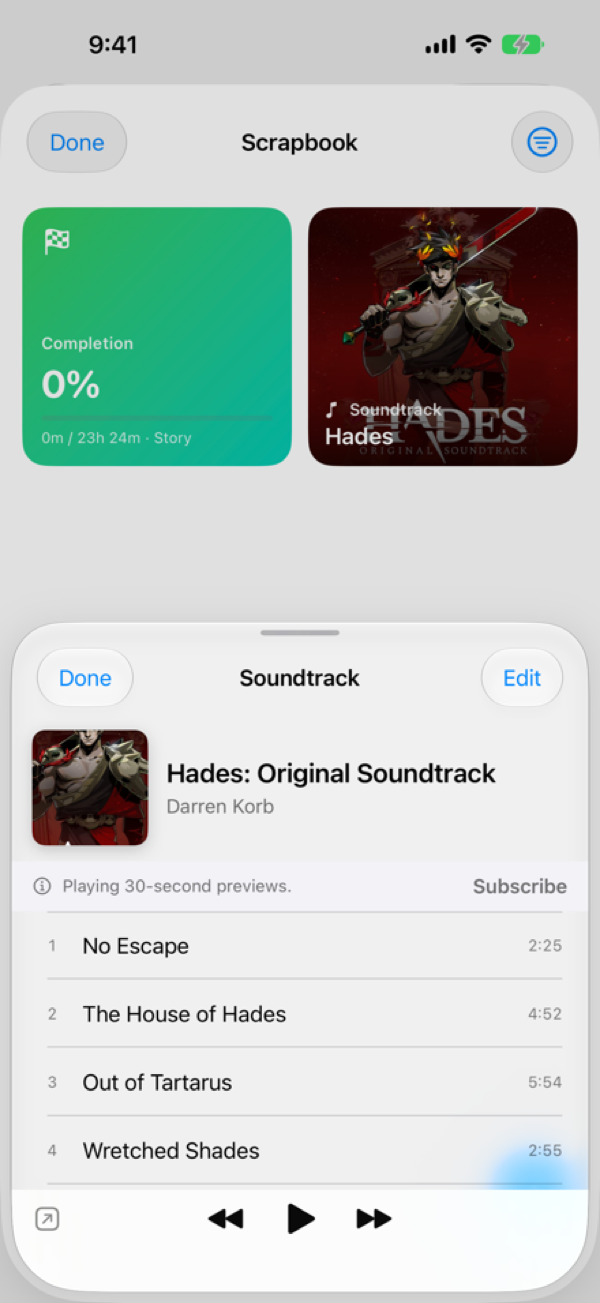
Play the music from your games right inside the app, with a mini player that follows you as you browse.
Home and Lock Screen widgets, a Live Activity play timer, and a play streak to keep your momentum going.
Log controllers, headsets and more from a built-in catalog, and start a session from Control Center, the Action button, or Siri.
Plus drag-to-reorder ranked lists, capture straight from Camera & Files, game trivia, new platforms, and a refreshed Stats tab.
Your library
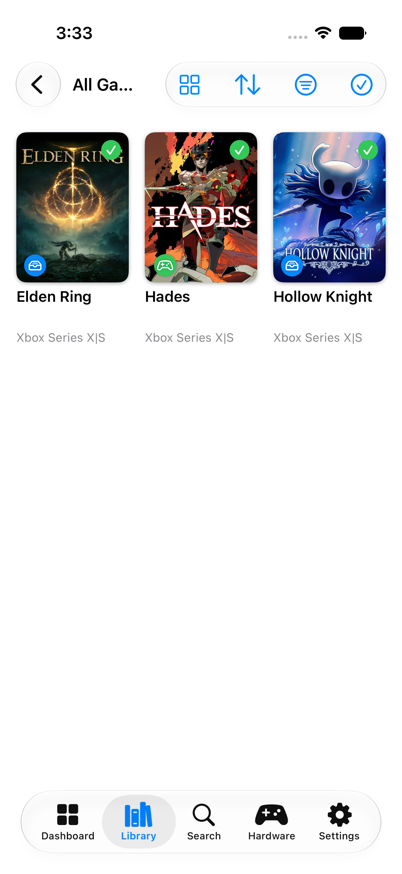
Search a database of hundreds of thousands of titles, add a game in a couple of taps, and tag it by platform, format, and where it lives — physical, digital, or pulled from a subscription. Cover art and details come down automatically.
The Scrapbook
Each game gets a redesigned, single-scroll page with its own Scrapbook — reviews and star ratings, notes, screenshots, completion, and speedruns. The record of how you actually played it, not just that you own it.
Soundtracks & more
Fire up a game's soundtrack from its Scrapbook and keep it going with a mini player as you browse. It's part of a bigger 3.0 that also brings Treasure Hunt, gaming accessories, widgets, a play timer and streak, and Shortcuts.
The small stuff a real collection needs, without the clutter.
Track what's on the way, log deposits, and add release dates to your calendar.
Keep the "someday" pile separate from what you actually own.
Record expansions and add-ons against the base game they belong to.
Note which games came from Game Pass and the like, so they don't muddy your collection.
Your data follows you across iPhone, iPad and Mac, stored in your own private iCloud.
No ads, no accounts, nothing sold. Your collection is yours.
Your library is always free, with no limits on how many games you add. An optional SaveCrystal Pro upgrade unlocks the deeper tracking — the Scrapbook, stats & insights, Treasure Hunt, and hardware & accessories — as a monthly, yearly, or one-time lifetime purchase.
SaveCrystal is built by one developer, and player feedback shapes what gets built next. Come share your collection, request features, and report anything that's off.
Visit r/SavePointApp Discord — coming soon